





Castle of no Escape 2
Runs on Windows
 Runs on Windows
Runs on MAC
Runs on Linux
Play on XBOX 360
Play on Wii U
Play on XBOX ONE
Play on Series X|S
Play on PS3
Play on PS4
HTC Vive Support
Oculus Rift Support
Windows Mixed Reality Support
Runs on Windows
Runs on MAC
Runs on Linux
Play on XBOX 360
Play on Wii U
Play on XBOX ONE
Play on Series X|S
Play on PS3
Play on PS4
HTC Vive Support
Oculus Rift Support
Windows Mixed Reality Support
Released |
Developed by |
Published by Xitilon
Runs on Windows  Single Player
  Full Controller Support
  Achievements
  Steam Trading Cards
  Includes Level Editor
  Action
  Includes Manual
  Download

£0.00
Save 87%
Our Price: £1.002 left!

- Description
- Screenshots
- Reviews
- Achievements
- Languages
- System Requirements
- How Do I Download?
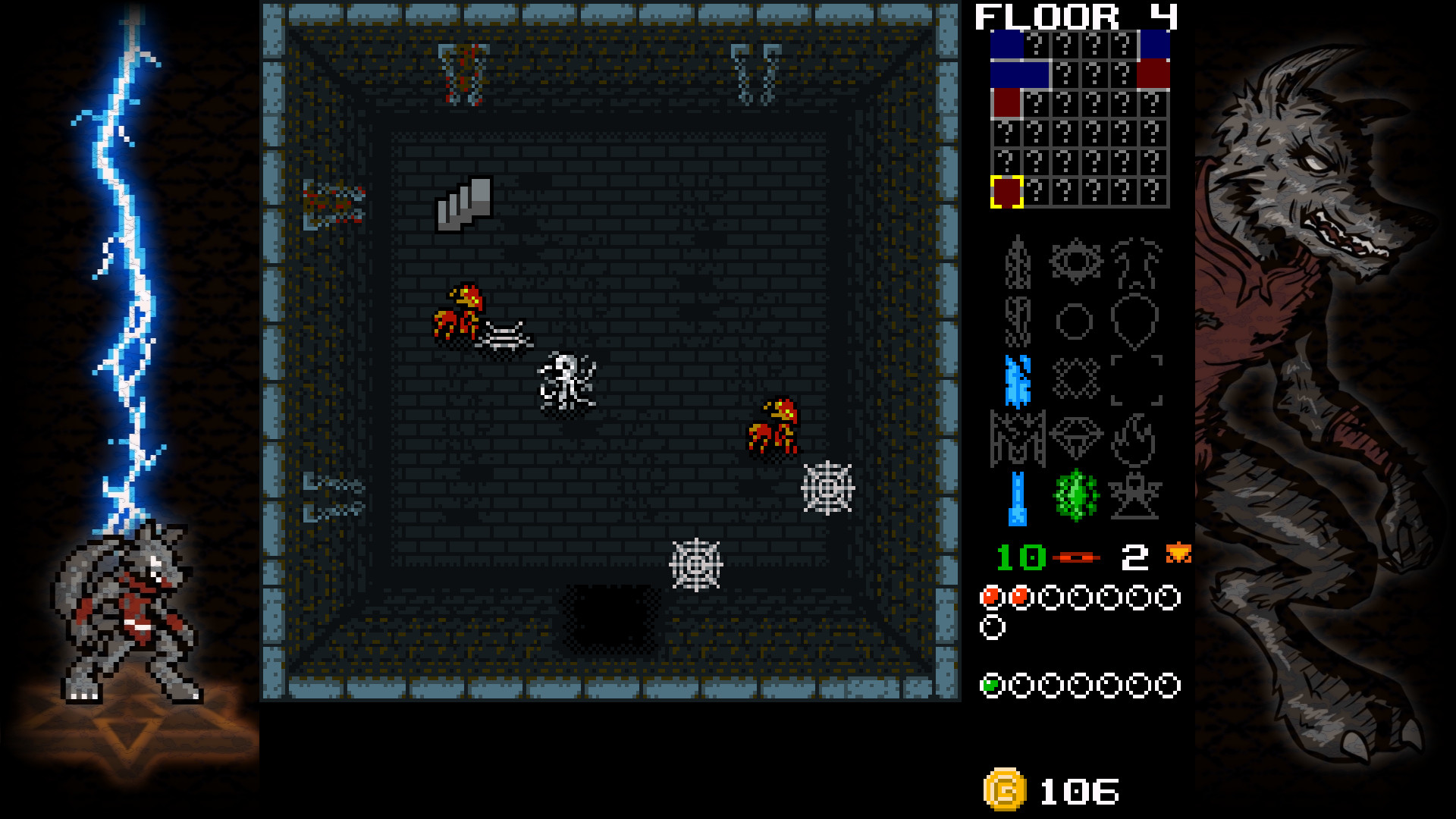
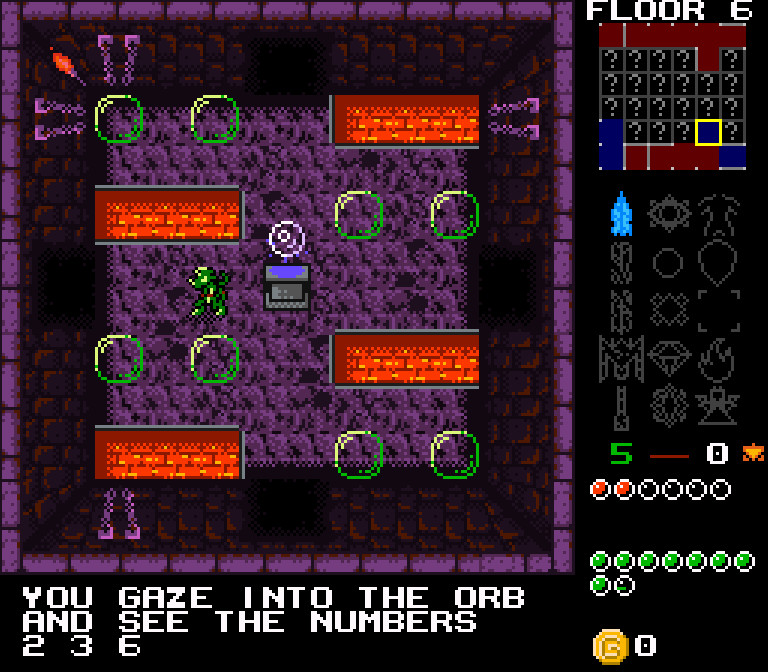
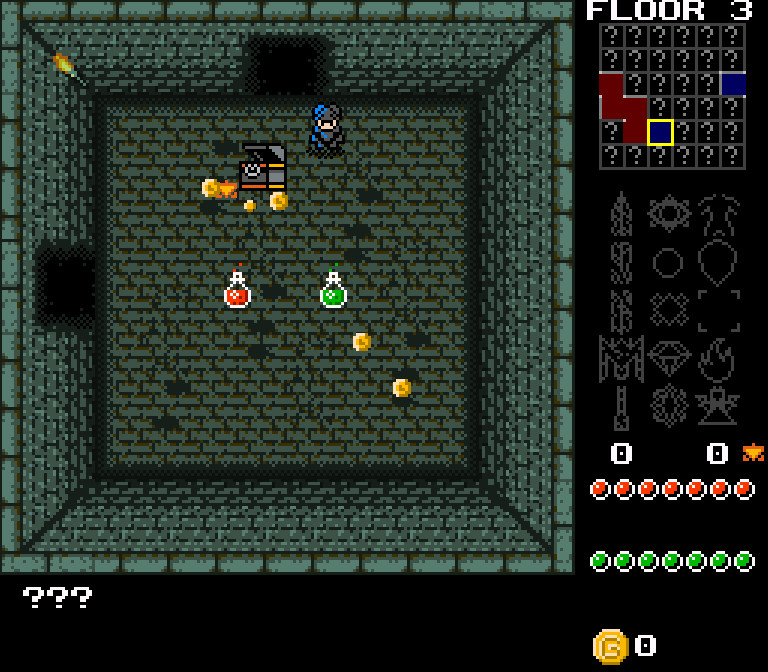
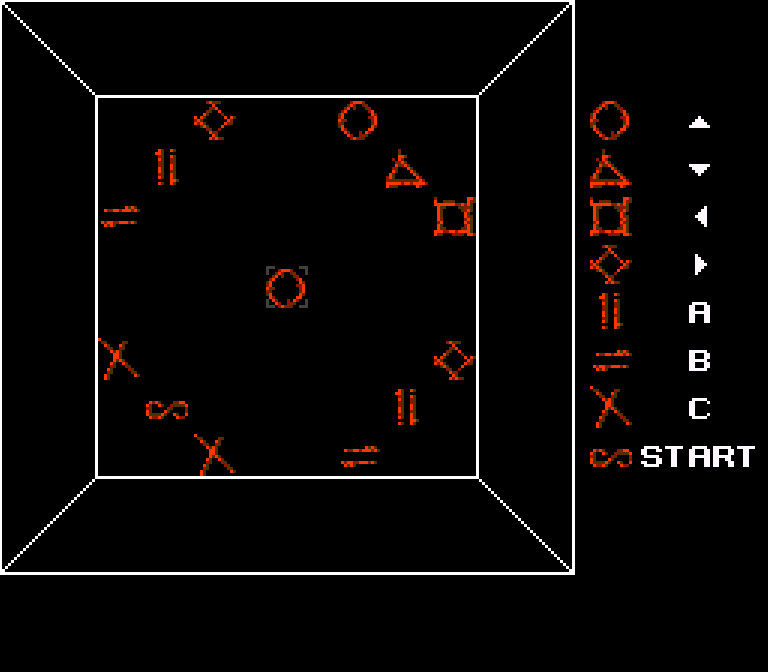
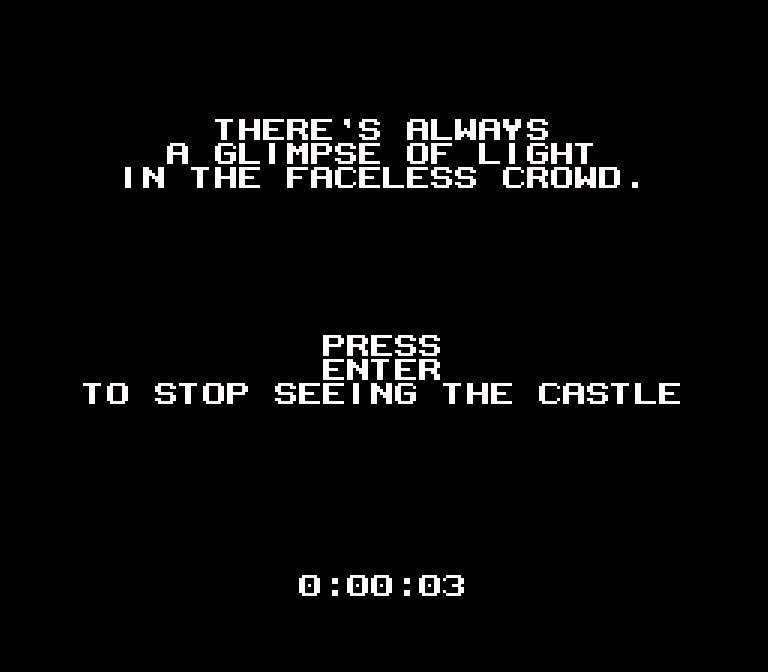
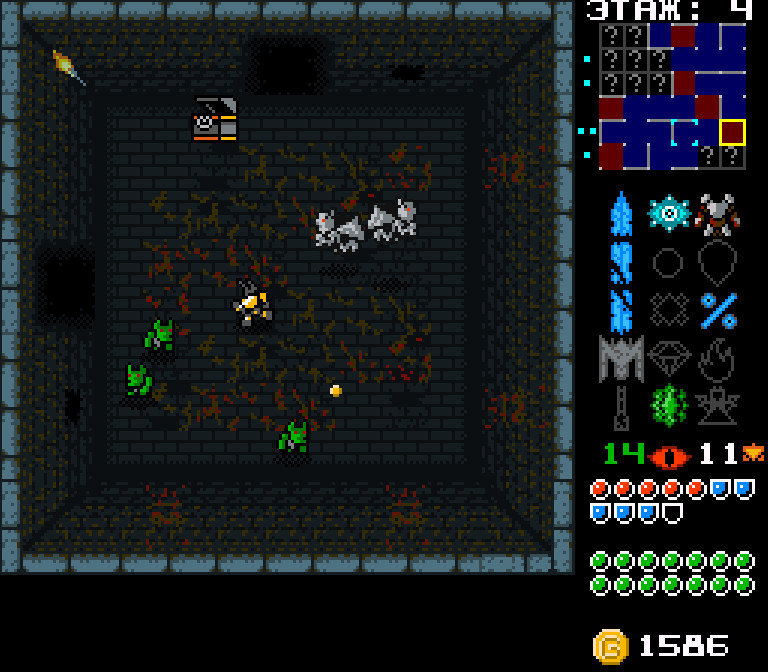
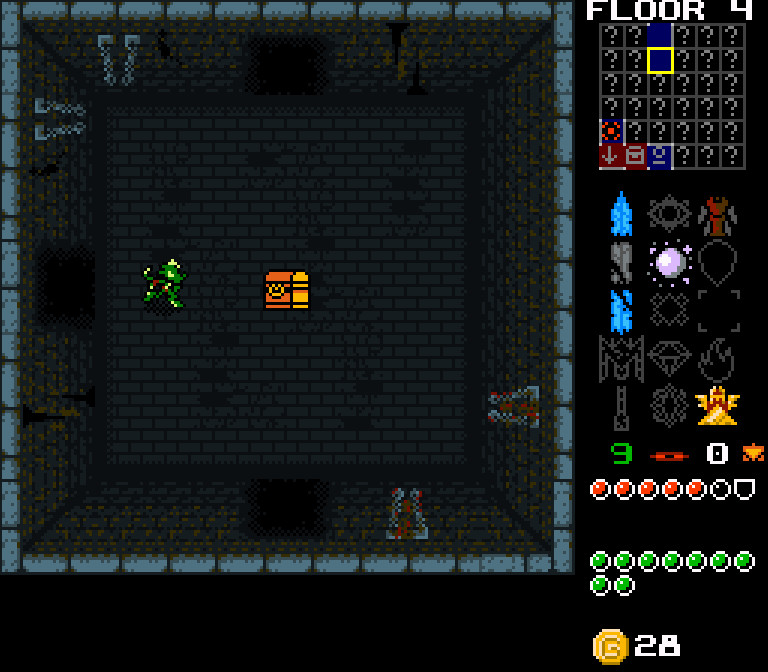
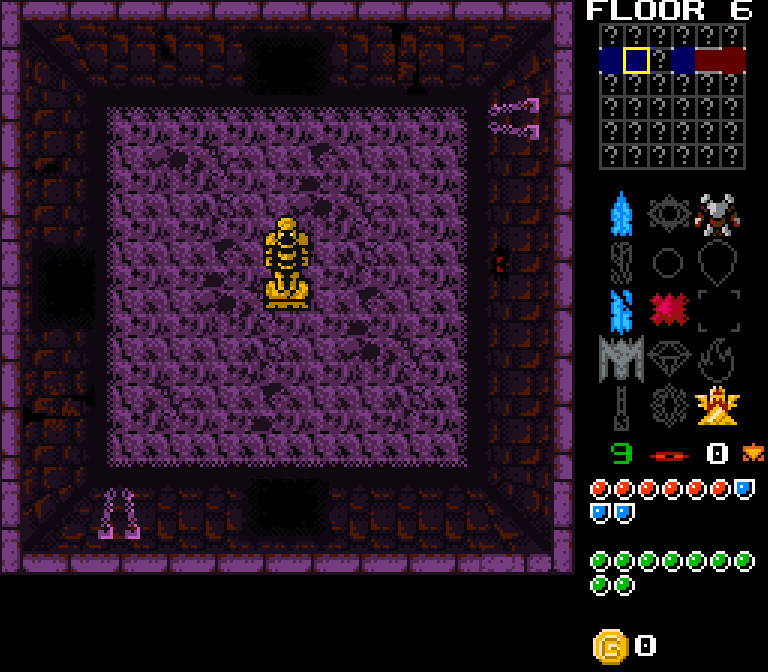
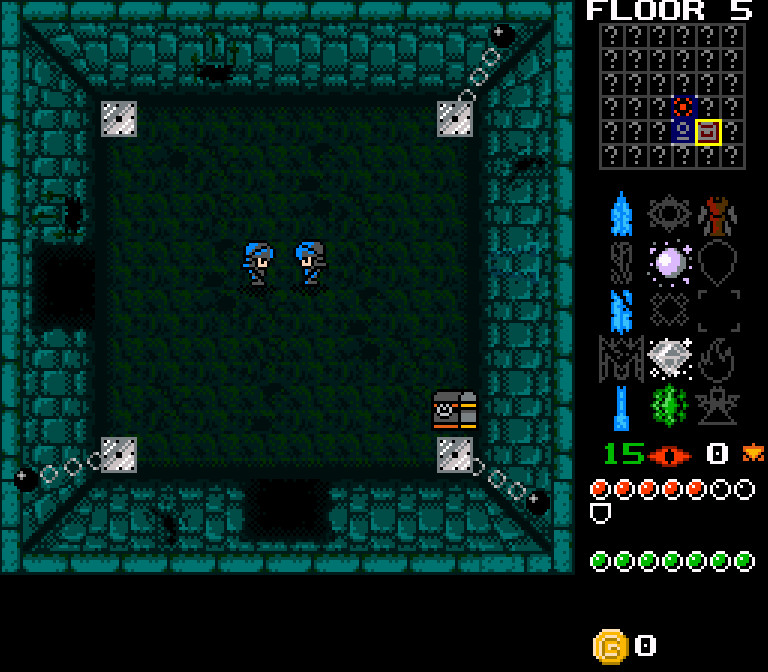
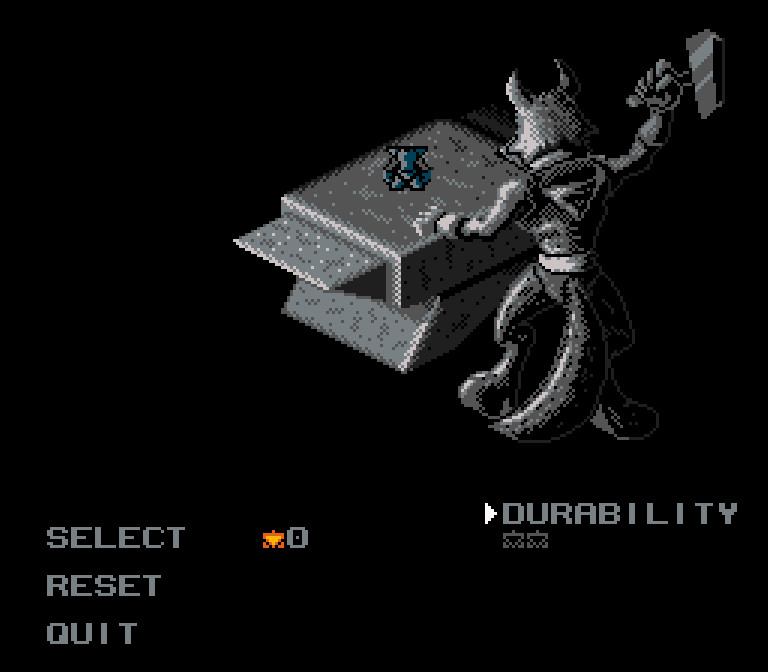
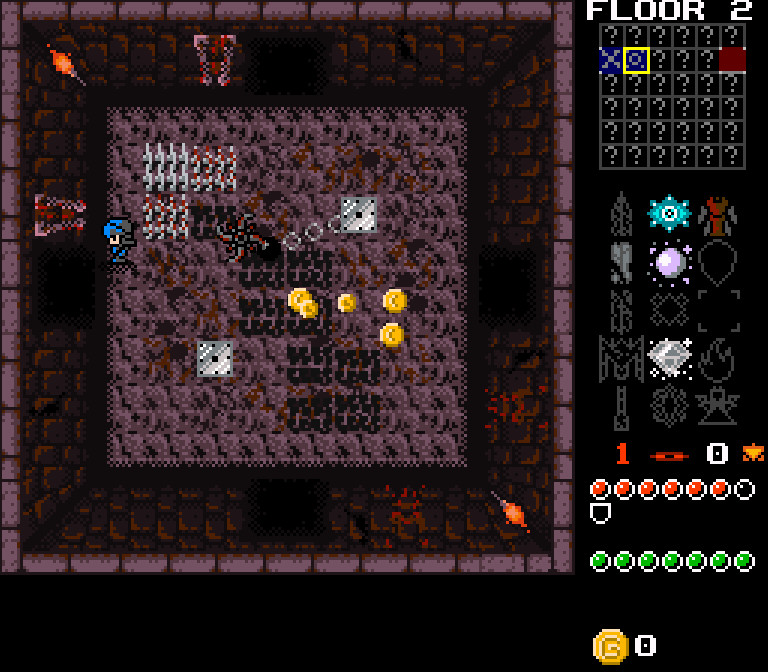
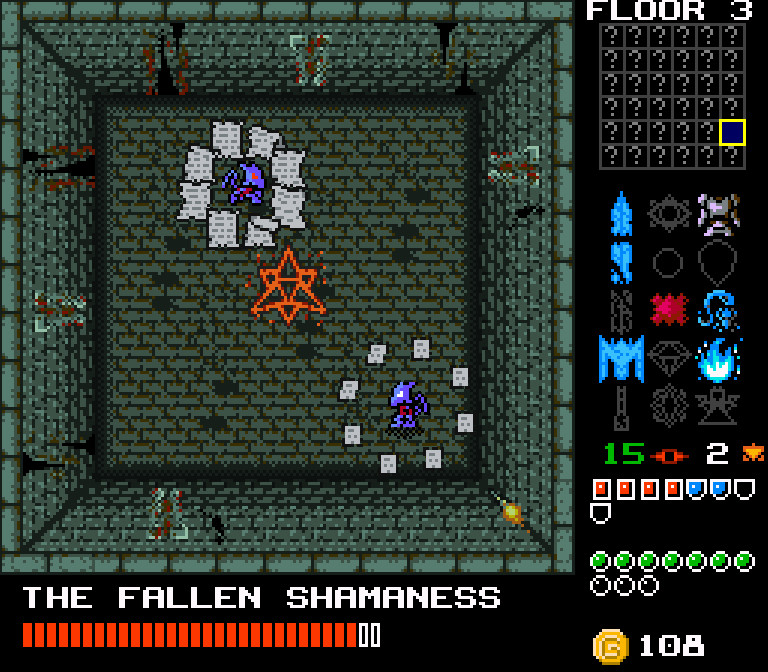
Big Boss Battle
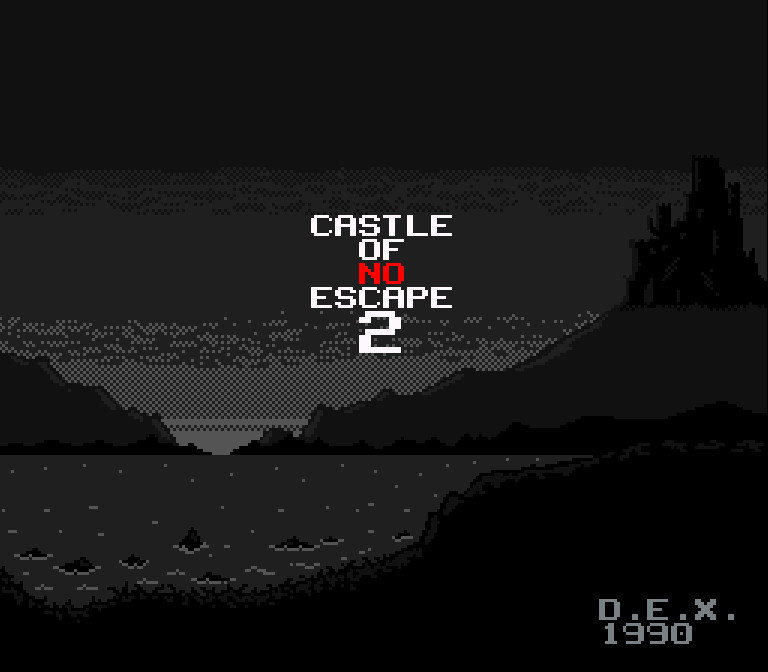
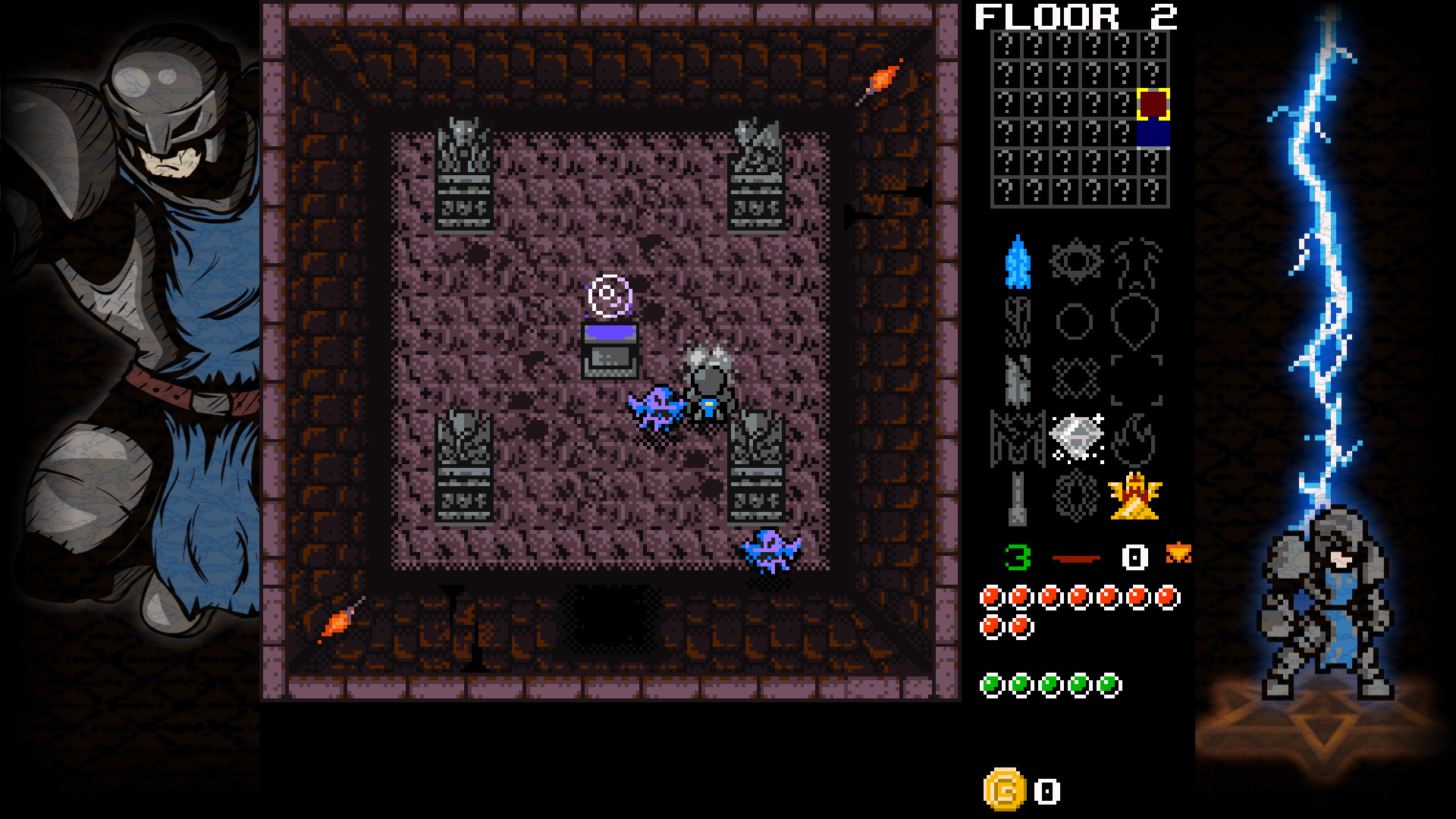
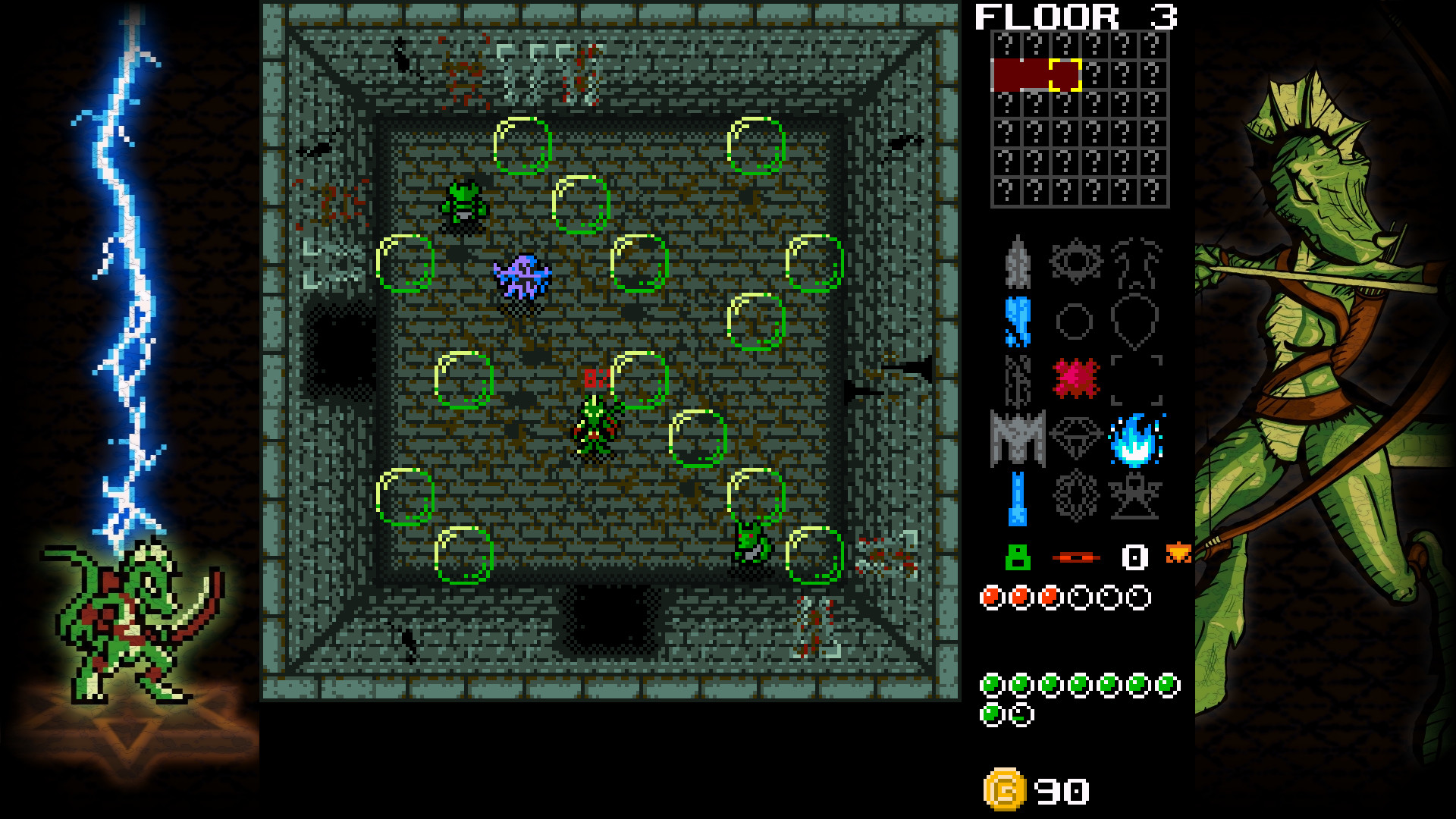
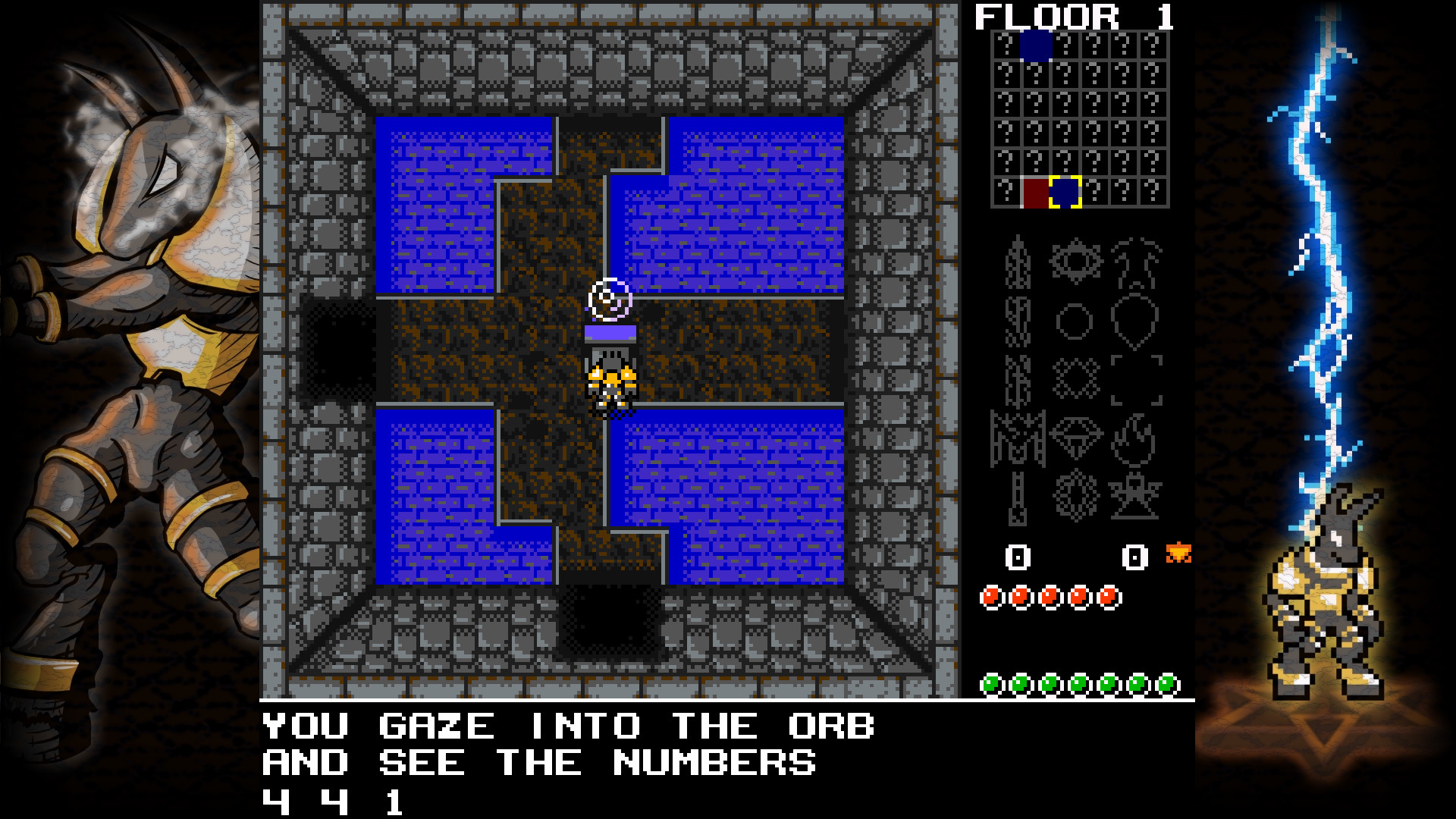
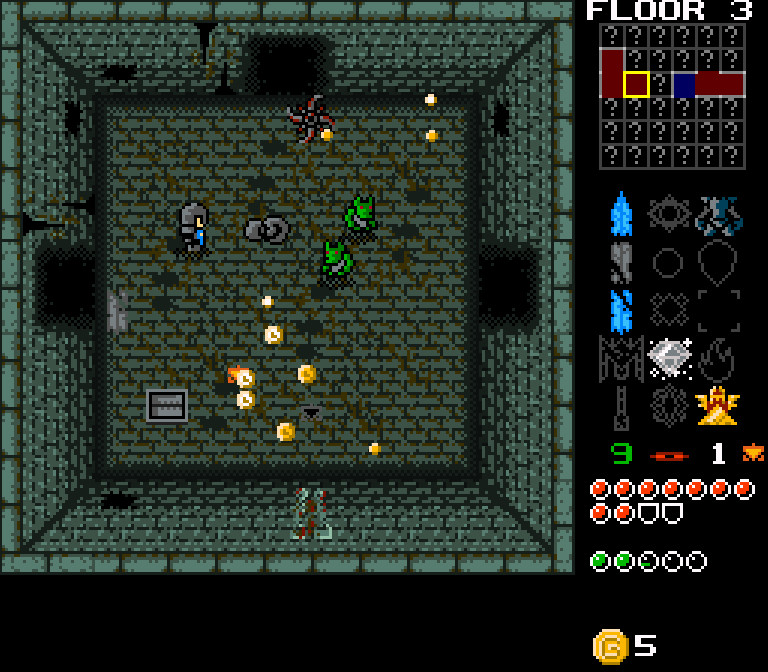
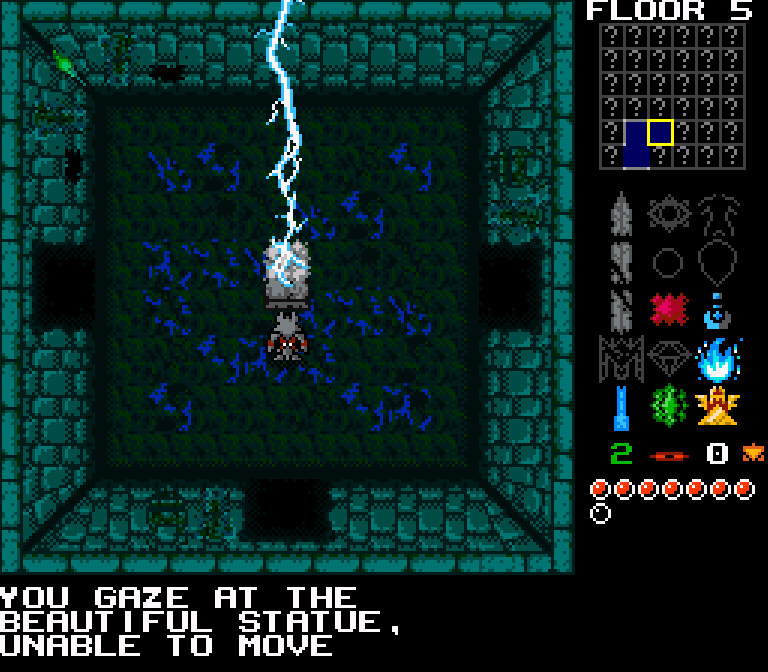
“It certainly feels like a very nostalgic game. On the inside of a cursed castle evil lurks. You, being the latest hero, try to conquer the place. Will you succeed?”
Lost VideoGames
“Lots of content, different heroes, achivements and so on. There's a custom old-fashioned manual for it, too. Real find for rogue-lite oldschool fans.”
| Phantom gold |  |
| Fast legs |  |
| I know the way |  |
| Who needs an armor? |  |
| Who needs a shield? |  |
| Cheap plastic imitation |  |
| Untouchable |  |
| I kinda like this place |  |
| Reincarnated millionaire |  |
| I didn't do nothing! |  |
This product currently supports the following languages:
English, Russian, Ukrainian, Portuguese - Brazil, German, Spanish - Spain, Portuguese - Portugal, Italian, French, Greek, Simplified Chinese, Traditional Chinese, Polish, Finnish, Czech, Japanese, Bulgarian, Hungarian, Danish, Korean, Norwegian, Romanian, Turkish, Swedish, Belarusian, Catalan, Croatian, Hindi, Indonesian, Serbian
Windows
Minimum:- OS *: Windows 8
- Processor: 1.0 GHz
- Memory: 1 GB RAM
- Graphics: 64MB VRAM
- DirectX: Version 11
- Storage: 200 MB available space
- Sound Card: Sound Card
- OS: Windows 10
- Processor: 3.0 GHz, 4 cores
- Memory: 2 GB RAM
- Graphics: 512MB VRAM
- DirectX: Version 11
- Storage: 200 MB available space
- Sound Card: Sound Card
- Additional Notes: DirectInput (installs automatically in Windows 10)

1. Go to http://store.steampowered.com/ and download the STEAM client.
2. Click "Install Steam"

3. Launch Steam and login to your account (create one if you havn't already).
4. Then go to 'Games' and click 'Activate a Product on Steam'.

5. Enter the key that we sent you in the email.


5. Congratulations the game has now been added to your account and can be installed/launched from your games library.
If you're still struggling to find where to redeem the key please watch the following video.

