





One Step From Eden
Runs on Windows
 Runs on Windows
 Runs on MAC
 Runs on Linux
Play on XBOX 360
Play on Wii U
Play on XBOX ONE
Play on Series X|S
Play on PS3
Play on PS4
HTC Vive Support
Oculus Rift Support
Windows Mixed Reality Support
Runs on Linux
Play on XBOX 360
Play on Wii U
Play on XBOX ONE
Play on Series X|S
Play on PS3
Play on PS4
HTC Vive Support
Oculus Rift Support
Windows Mixed Reality Support
Released 26 Mar, 2020 |
Developed by Thomas Moon Kang |
Published by Humble Games
Runs on Windows
Runs on MAC
Runs on Linux  Single Player
  Multi-Player
Cross-Platform Multiplayer

Local Co-Op
Downloadable Content
In-App Purchases
Partial Controller Support

 Achievements
  Steam Trading Cards
VR Support
 Steam Workshop
  Cloud Saves
Stats
Valve Anti-Cheat Enabled
Steam Leaderboards
Includes Level Editor
Commentary Available
Captions Available
Action
Adventure
Fighting
Hidden Object
Horror
Family Friendly
Platformer
Puzzle
Racing
Retro
RPG
Shooter
Simulation
Sports
Strategy
Antivirus and Security
Animation & Modeling
Audio Production
Languages
Photo Editing
Reference
Typing
Video Editing
Video Production
Utilities
Educational
Game Development
Design and Illustration
Business and Office
Operating System
Includes Soundtrack
Includes Manual
 Download

Steam Price:
£14.99
£14.99
Save 46%
Our Price: £7.99
- Description
- Screenshots
- Reviews
- Achievements
- Languages
- System Requirements
- How Do I Download?

Eden is the last shining beacon of hope in a bleak post-war world.
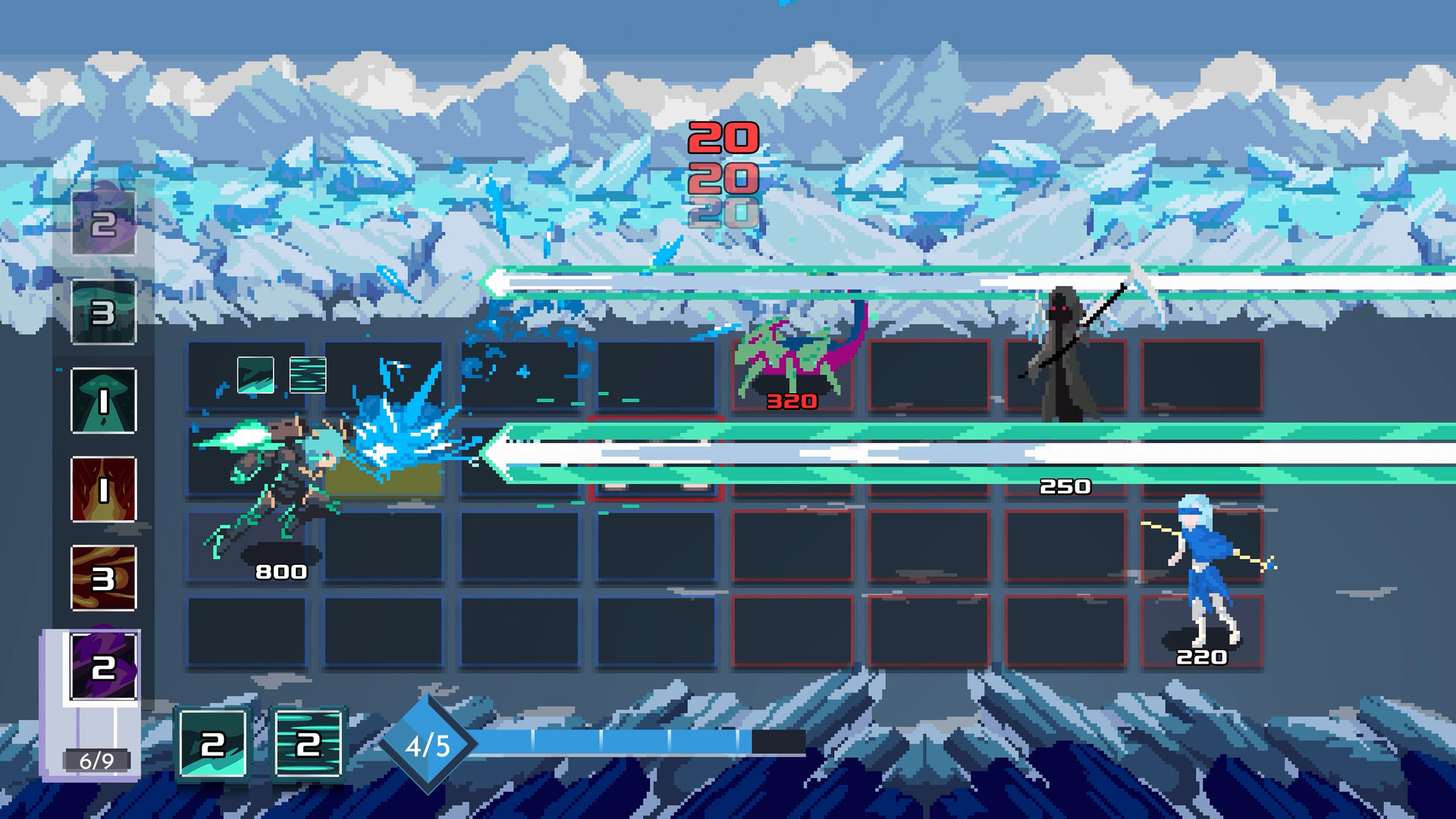
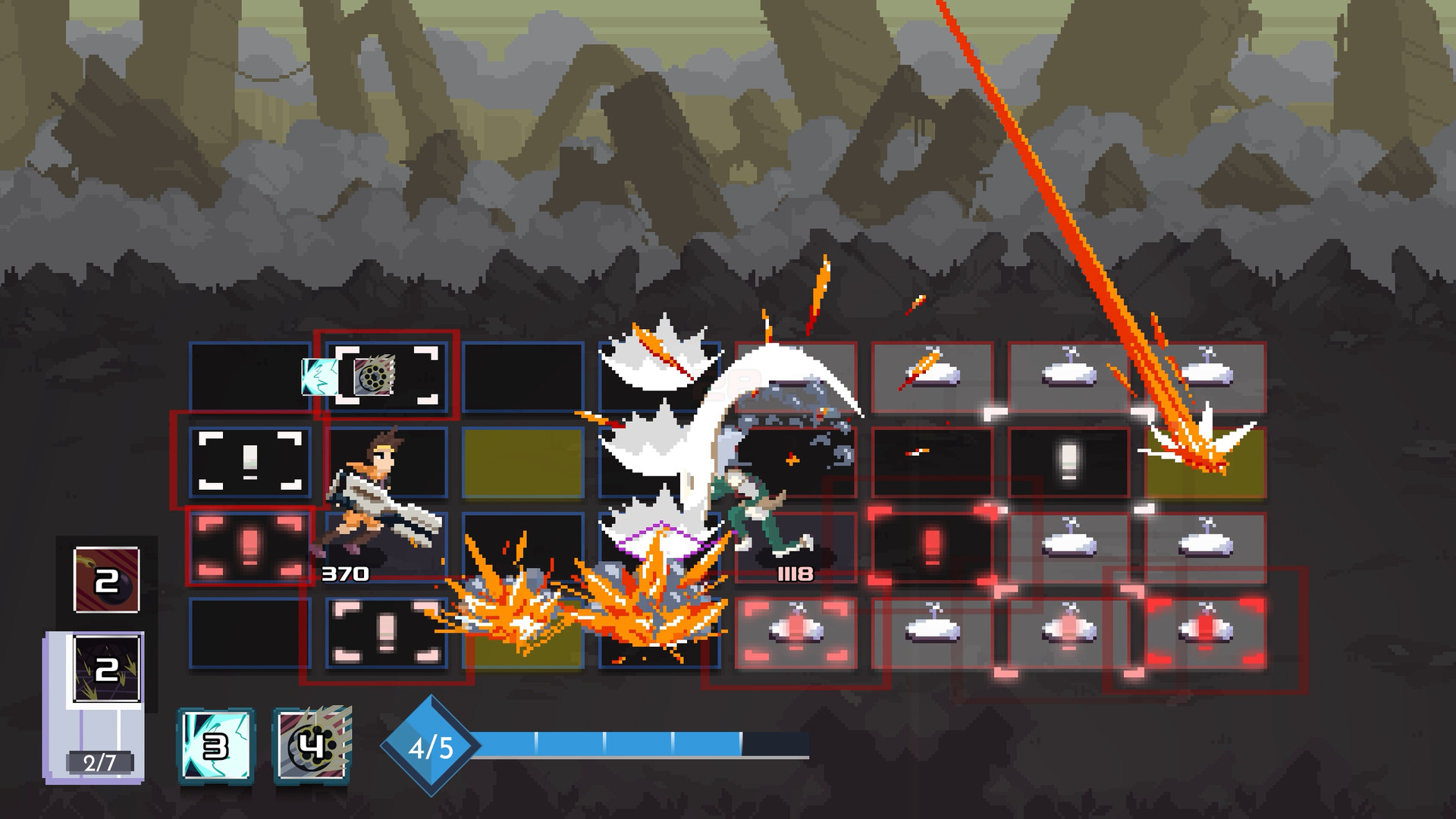
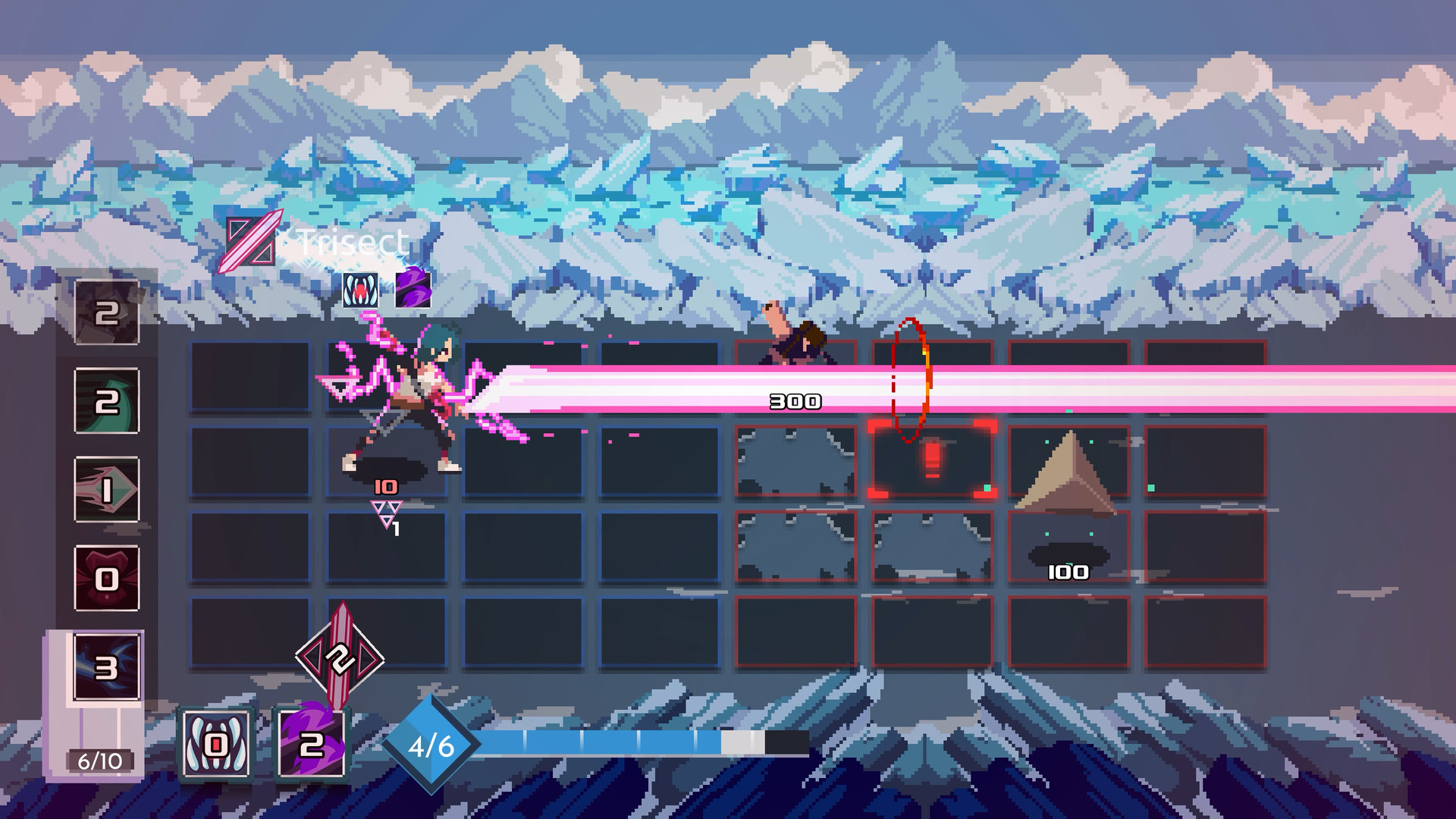
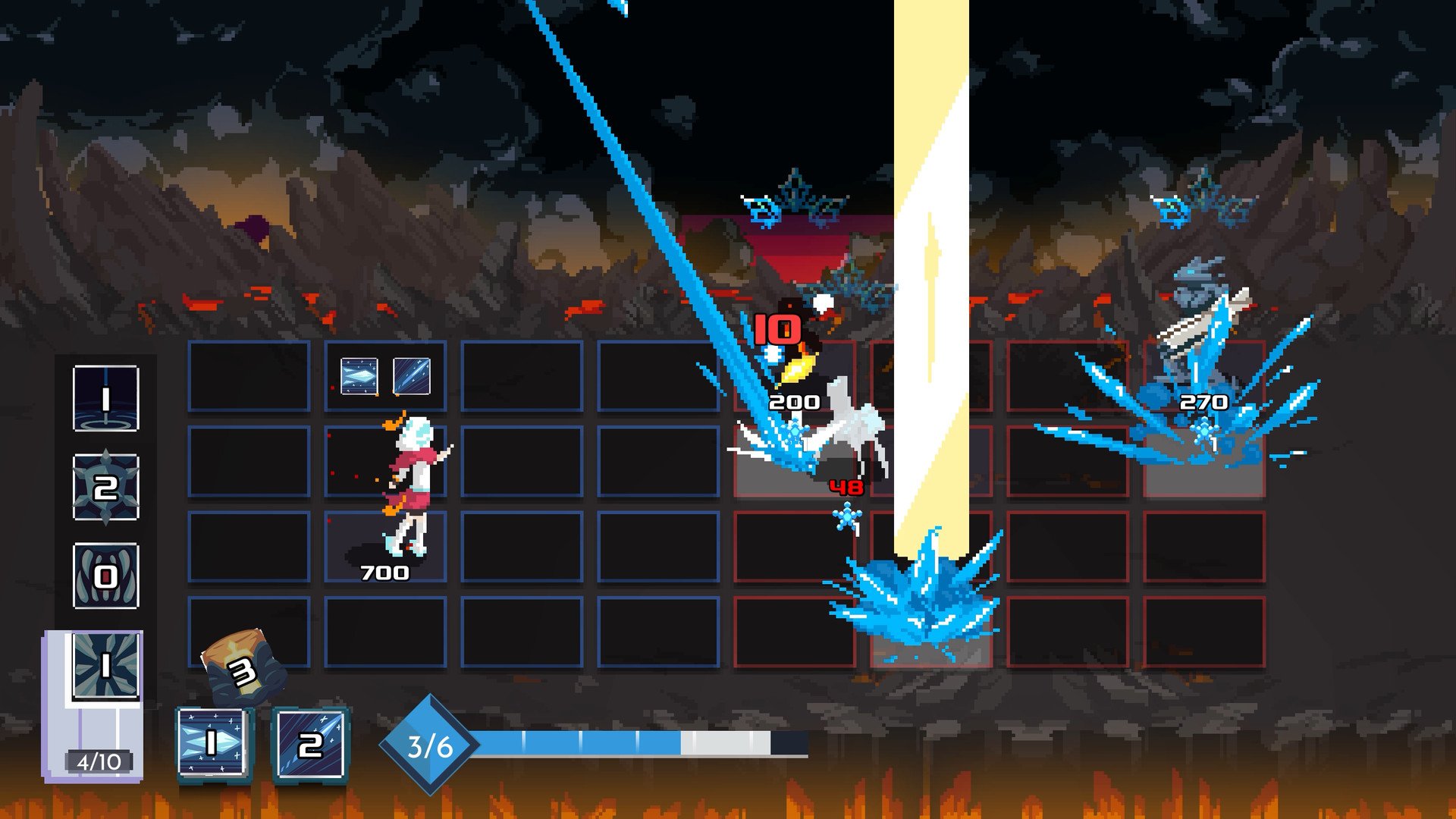
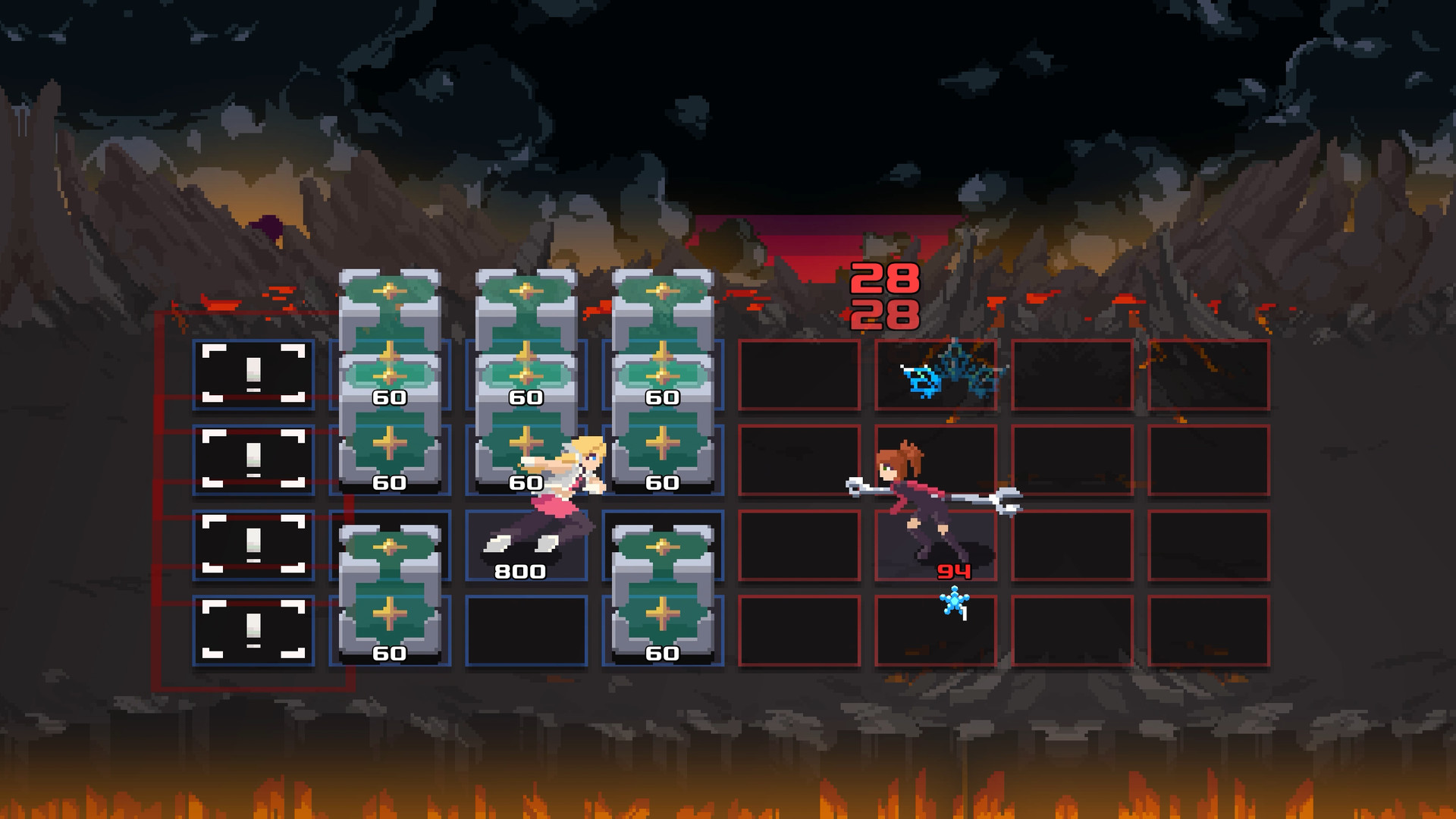
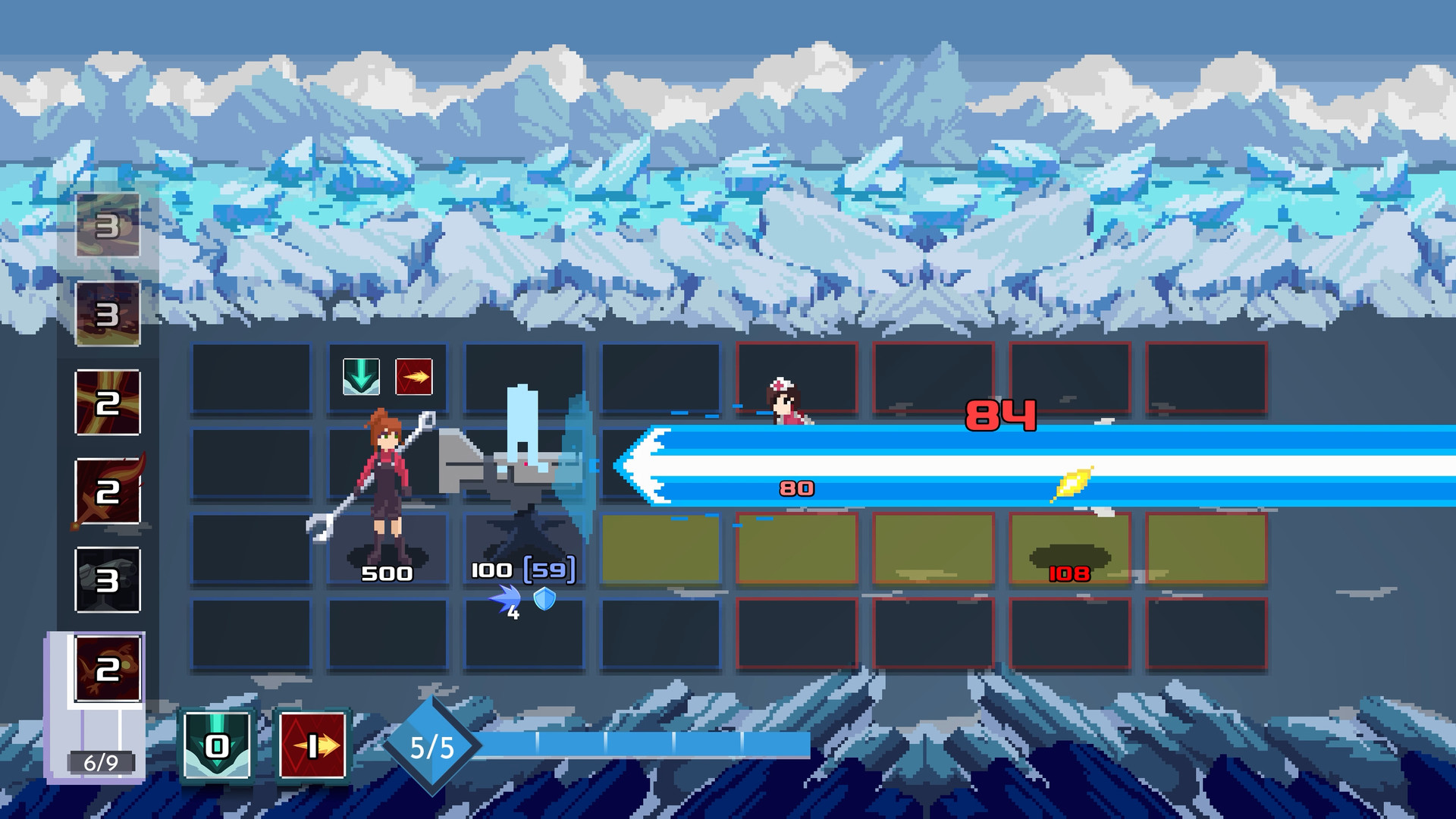
One Step from Eden combines strategic deck-building and real-time action with rogue-like elements, giving you the chance to carve a path of mercy or destruction. Fight alone or with a friend in co-op as you cast powerful spells on the fly, battle evolving enemies, and collect game-changing artifacts. Can you make it to Eden or will your destruction be imminent?

- Genre-Bending.
Experience a blend of strategy and real-time action. Build your deck and fight through bullet hell as you make your way to Eden. - Comprehensive Deckbuilding.
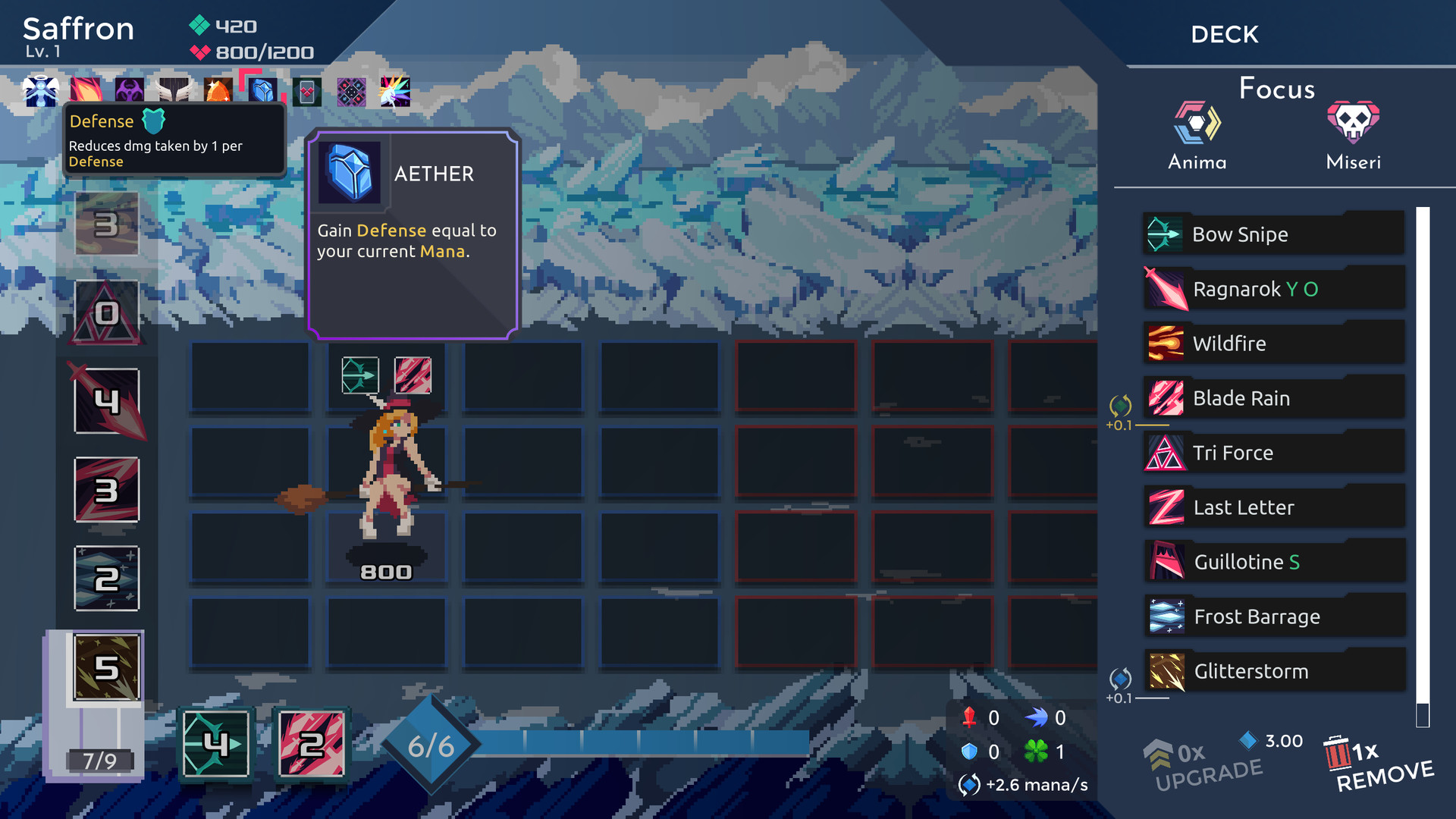
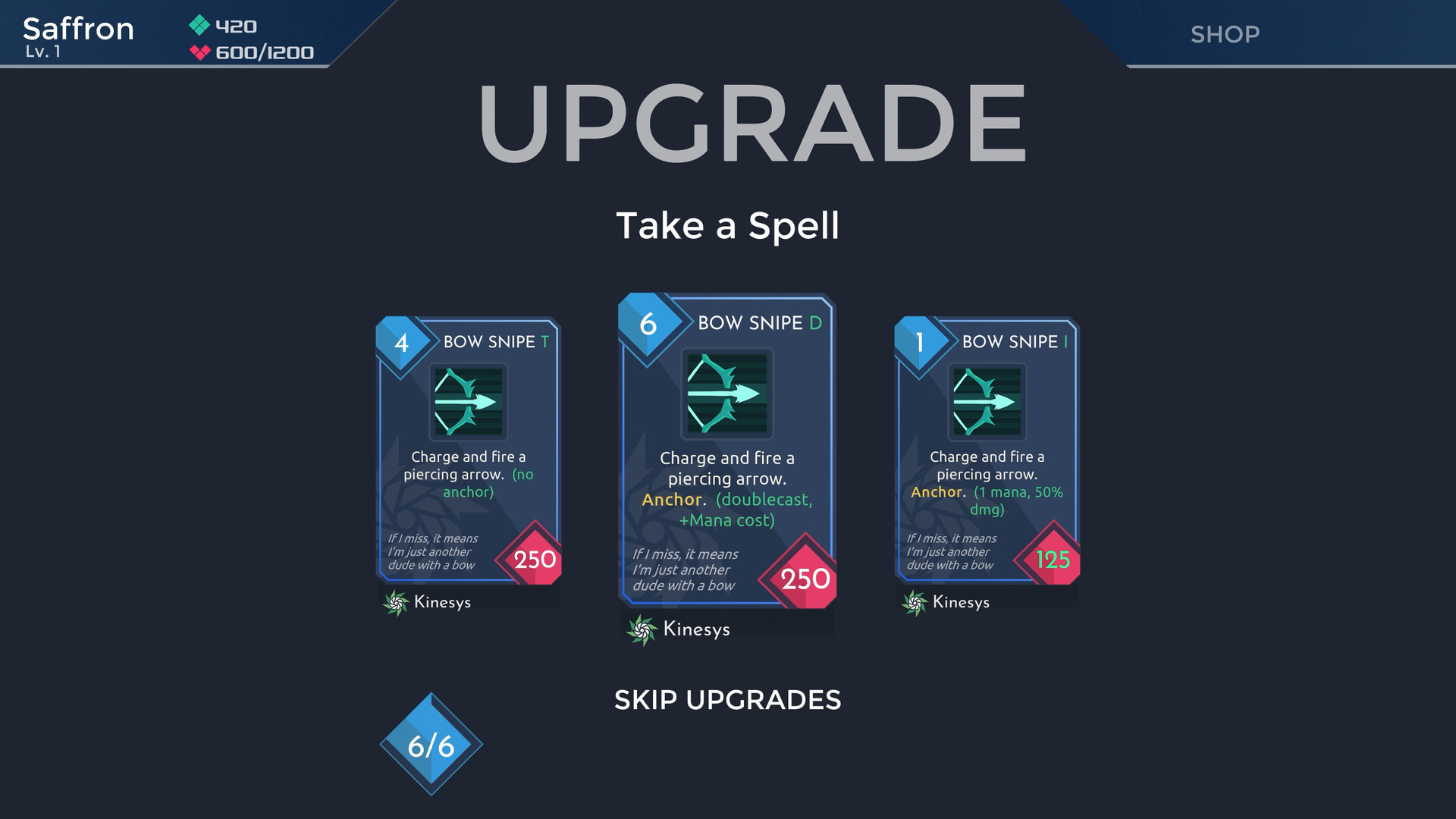
Customize your deck and play style with 200+ spells and 100+ game-changing items. - Varied Gameplay.
A cast of 9 playable characters across procedurally generated levels with alternate runs ensures you’ll never experience the same situation or outcome twice. - Play with Friends.
Fight your way to Eden in local co-op or in PvP. - The Game Keeps Going.
Full Steam Workshop and mod support!

“One Step From Eden feels like a clever, twitchy little hybrid of excellent card-battling roguelike Slay The Spire and Capcom’s Mega Man Battle Network series.”
Rock Paper Shotgun
“...frantic, fast-paced battles that feel a lot like Crypt of the Necrodancer in terms of pacing – your moves become a kind of dance, and returning attacks to catch tricky enemies is extremely satisfying.”
PCGamesN
“One Step from Eden is a dazzling burst of energy in the deck-building Slay the Spire genre. It's slick, it's gorgeous and destined for big things.”
Eurogamer
Rock Paper Shotgun
“...frantic, fast-paced battles that feel a lot like Crypt of the Necrodancer in terms of pacing – your moves become a kind of dance, and returning attacks to catch tricky enemies is extremely satisfying.”
PCGamesN
“One Step from Eden is a dazzling burst of energy in the deck-building Slay the Spire genre. It's slick, it's gorgeous and destined for big things.”
Eurogamer
| Bravely Default |  |
| Cannibal |  |
| The Best Defense |  |
| One Shot |  |
| Arch Sage |  |
| One Step From Eden |  |
| Watch the World Burn |  |
| All For One |  |
| Hoarder |  |
| Buzzer Beater |  |
This product currently supports the following languages:
English, Simplified Chinese, Spanish - Spain, Korean, French, German, Japanese, Spanish - Latin America, Traditional Chinese, Turkish, Portuguese - Brazil, Russian, Polish
Windows
Minimum:- OS *: Windows 7
- Processor: Intel Core 2 Duo E6320 (2*1866) or equivalent
- Memory: 2 GB RAM
- Storage: 1 GB available space
Mac
Minimum:- OS: OS 10.6+
- Processor: Intel Core 2 Duo E6320 (2*1866) or equivalent
- Memory: 2 GB RAM
- Storage: 1 GB available space
Linux
Minimum:- OS: Ubuntu 12.04
- Processor: Intel Core 2 Duo E6320 (2*1866) or equivalent
- Memory: 2 GB RAM
- Storage: 1 GB available space

1. Go to http://store.steampowered.com/ and download the STEAM client.
2. Click "Install Steam"

3. Launch Steam and login to your account (create one if you havn't already).
4. Then go to 'Games' and click 'Activate a Product on Steam'.

5. Enter the key that we sent you in the email.


5. Congratulations the game has now been added to your account and can be installed/launched from your games library.
If you're still struggling to find where to redeem the key please watch the following video.
